Planning
Workshop brief
Purpose, success criteria and constraints in one place before you design the day.
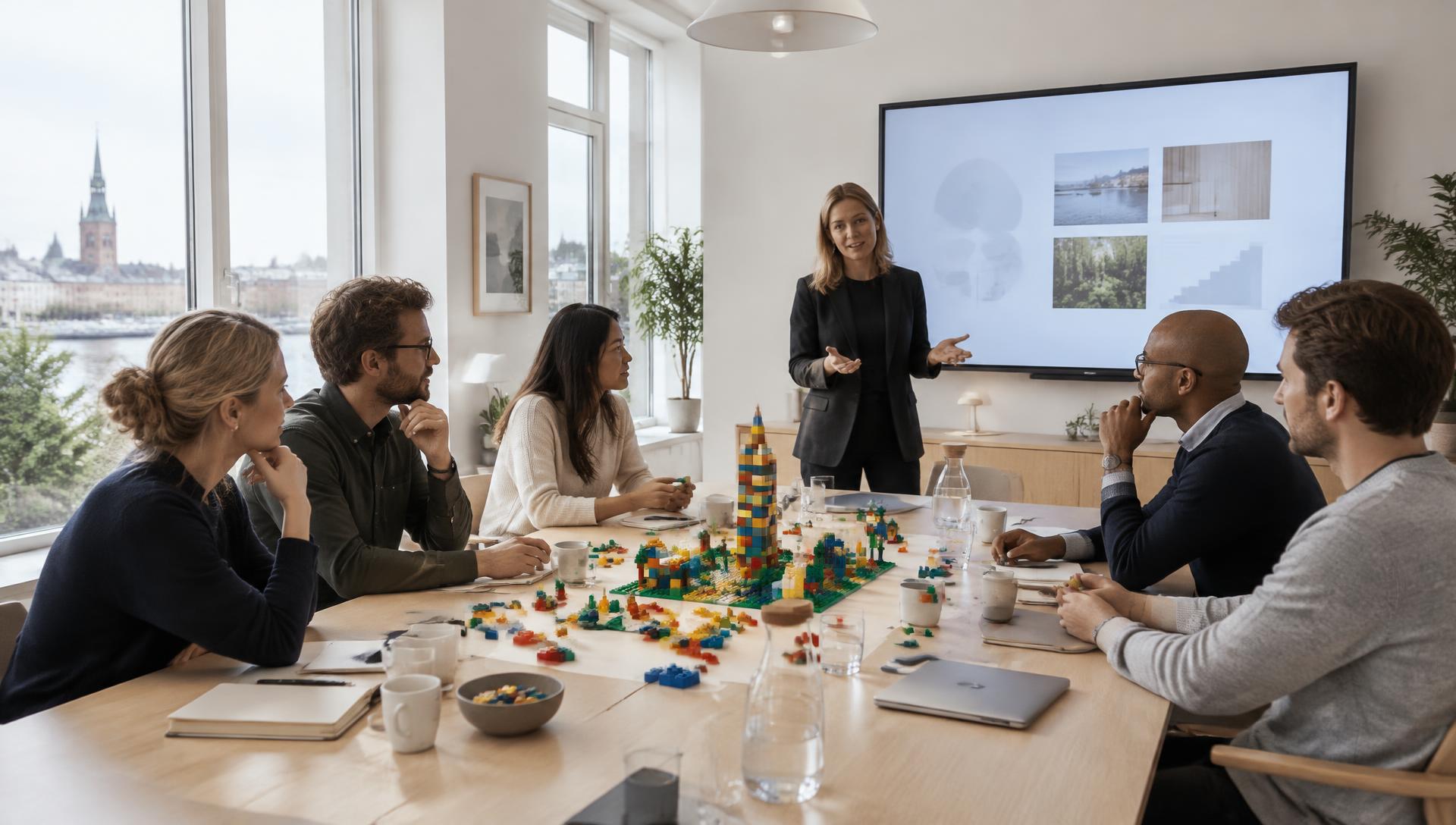
Facilitation software for professional workshops
Simulated workshopPlan, facilitate, document and follow through in one intuitive system. Built for strategy workshops, LEGO® SERIOUS PLAY® and transformation processes where productive conversations must become shared direction and action.
From brief to momentum
The system follows your work before, during and after the day. You keep the overview, participants experience a professional flow, and workshop value becomes visible next steps.
Design
Prepare
Facilitate
Share
Document
Follow up
01 · Before the workshop
Turn the brief into a ready-to-run agenda, reuse your strongest playbooks, choose proven exercises and create intelligent teams. Spend more time on the questions that create value and transformation.
Workshop brief
12 leaders turn three strategic choices into clear action across the organisation.
Ready-to-run agenda
09:00–15:30 · 4 phases
Skills building
1. Build · Share · Reflect
Individual strategy landscape
2. Build · Share · Reflect
Shared model
3. Build · Share · Reflect
Principles and action
4. Build · Share · Reflect
Save what works. Adapt without starting over.
Import lists and create balanced teams across phases.
Receive suggestions, edit them and always approve them yourself.
02 · During the workshop
Control the phase, time, big screen, QR codes and live participant contributions in one place. The time advisor informs — but never changes your workshop.
Live workshop
18:42
Time remaining
Planned finish 15:30. Keep a 12-minute reflection buffer.
Teams and QR
Team 1
3 participants
Team 2
3 participants
Team 3
3 participants
Team 4
3 participants
Phase 3 · Shared model
18:42
14:18 · CPH
Team 1
Team 2
Team 3
Team 4
Keep notes and controls with the facilitator while participants see a clean presentation screen.
03 · After the workshop
Photos, videos, model names and explanations are gathered. Create reports, assign action owners and follow momentum after 30 and 90 days.
Workshop models
Photos, video and participants’ own words
The bridge between silos
Team 1 · 12 Sep · 01:24
Customer at the centre
Team 3 · 12 Sep · 01:24
Shared direction
Team 2 · 12 Sep · 01:24
Report and momentum
Draft reports, action items and pulse checks keep direction visible after the day.
Define three shared principles
Marie · 18 Sep
Test principles in leadership meeting
Jonas · 25 Sep
30-day pulse check
Whole team
Everything in the platform
From the first brief to the follow-up 90 days later. Pick an area, search for what you need, and open a card for the detail.
59 features across 10 areas
59 features shown
Purpose, success criteria and constraints in one place before you design the day.
A calm preparation journey that shows what is missing before you go live.
Build the day in phases and see instantly whether the timing holds.
A friendly view of the clock that never changes your workshop on its own.
Lists for bricks, tech and logistics so nothing is missing in the room.
Create balanced teams and give each table its own code and QR.
Invite a colleague to facilitate with you — without sharing your login.
An overview of your workshops — and a calm date picker with OK and cancel.
A growing library of proven exercises for LEGO® SERIOUS PLAY® and strategy.
Write your own exercises and make them part of your standing repertoire.
Mark the exercises you always return to.
Save a full workshop design as a template and reuse it in minutes.
The script for the day — suggested by AI, finished by you.
The facilitator's bridge: phase, time, screen, teams and live dialogue in one place.
Start, pause and extend by +10 sec, +30 sec or +1 min without breaking the flow.
A clean big screen for the room while the controls stay with you.
A six-character code opens the big screen on any computer in the room.
Adapt the big screen to the client and the light in the room.
Show the time on the big screen — including for participants abroad.
A team can stream live from their phone to the big screen.
Your notes, questions and planned //PULSE activities for the current phase.
Put a choice on the screen and let the room answer from their own phone.
A 1 to 10 scale showing where the room stands right now.
Let participants rank the options and see the shared priority.
Turn the discussion into a decision that is written down and stays.
Questions, ideas and reflections from the room — with likes so the best rise.
Set a response time, run the activity and close it when the room is done.
Prepare your activities in advance and run them in order on the day.
Participants join in seconds — no app, no login.
The whole day's dialogue stored in order — and ready to export.
AI reads the room and suggests your next move — you still decide.
Choose whether answers are anonymous and when the room may see the result.
A QR code or a four-digit code in the browser — no account, no install.
The client's people in one place — across all of their workshops.
Paste a list from a spreadsheet and the system tidies it up.
The participant's own space before, during and after the workshop.
Give participants preparation or homework — and follow the responses.
Send practical info, invitations and follow-up straight from the system.
Participants photograph their own model from the table.
The story behind the model is captured while it is still alive.
Every model gathered with name, team, phase and the participants' own words.
The day's material in one place instead of scattered across email and phones.
A finished draft built on the day's models, dialogue and decisions.
Your own report structure so every delivery looks consistent.
Decisions become tasks with a name, a deadline and a status.
See whether the workshop actually moved something — and where to push.
The facilitator's own notes on what worked and what you would change.
Assemble the questionnaire from ready-made blocks in minutes.
Each participant gets their own link — and a friendly nudge before the deadline.
The answers gathered with numbers, comments and a written conclusion.
The agency's structure recreated in the system — with separate spaces.
Everyone sees exactly what they should — no more, no less.
A closed space where the client can find their own material.
What you know about the client, gathered so the next workshop starts better.
Get a fast picture of the client before you write the brief.
Facilitator, participant, big screen and emails — in both languages.
Decide how long material stays available — and clean up automatically.
Material lives in the organisation's own space with controlled access.
Facilitator manual, participant guide and support when you need it.
Built as a platform
From independent facilitator to multi-client agency: roles and separate client spaces keep access and material apart.
Reuse your best work and deliver documentation faster.
Share playbooks, clients and workshop standards without sharing logins.
Organise facilitators, departments and clients in separate spaces.
A practical walkthrough
In 20 minutes, we show the full journey — from brief and agenda to live delivery, model archive and follow-through.
The data shown is simulated. Product views reflect features available in Strategy in Play.
LEGO, SERIOUS PLAY, the Minifigure and the Brick and Knob configurations are trademarks of the LEGO Group, which does not sponsor, authorise or endorse Strategy in Play. The LEGO® SERIOUS PLAY® open-source material is published by the LEGO Group under CC BY-SA 3.0.
Strategy in Play connects planning, live facilitation, documentation and follow-through. Instead of photographing models between exercises and writing the report at night, participants contribute from their own table and every model is archived with their own explanation.
Facilitation software is a digital workspace for designing, running and following up on workshops. Strategy in Play supports the facilitator with agendas, participants, teams, timing, presentation screens, live contributions, documentation and post-workshop actions.
Yes. The platform connects workshop questions, models, shared decisions and actions in one journey. This makes it useful for strategy workshops, team development and transformation processes where insights from the room must become visible next steps.
No. They scan a QR code or type a four-digit code in the browser on their own phone. No login, no app, no account.
Yes, in the large majority of cases — the stream goes directly from phone to big screen on the same network. There is a built-in connection check you can run before the workshop, so you discover any network restrictions in good time.
Yes. The platform is built for agencies and consultancies: your own organisation, multiple facilitators, departments and client units — plus a closed client portal view where the client only sees their own workshops.
All material sits in your organisation's own space with role-based access. Recordings can be deleted after the engagement, and participants do not have to give personal data to take part.